


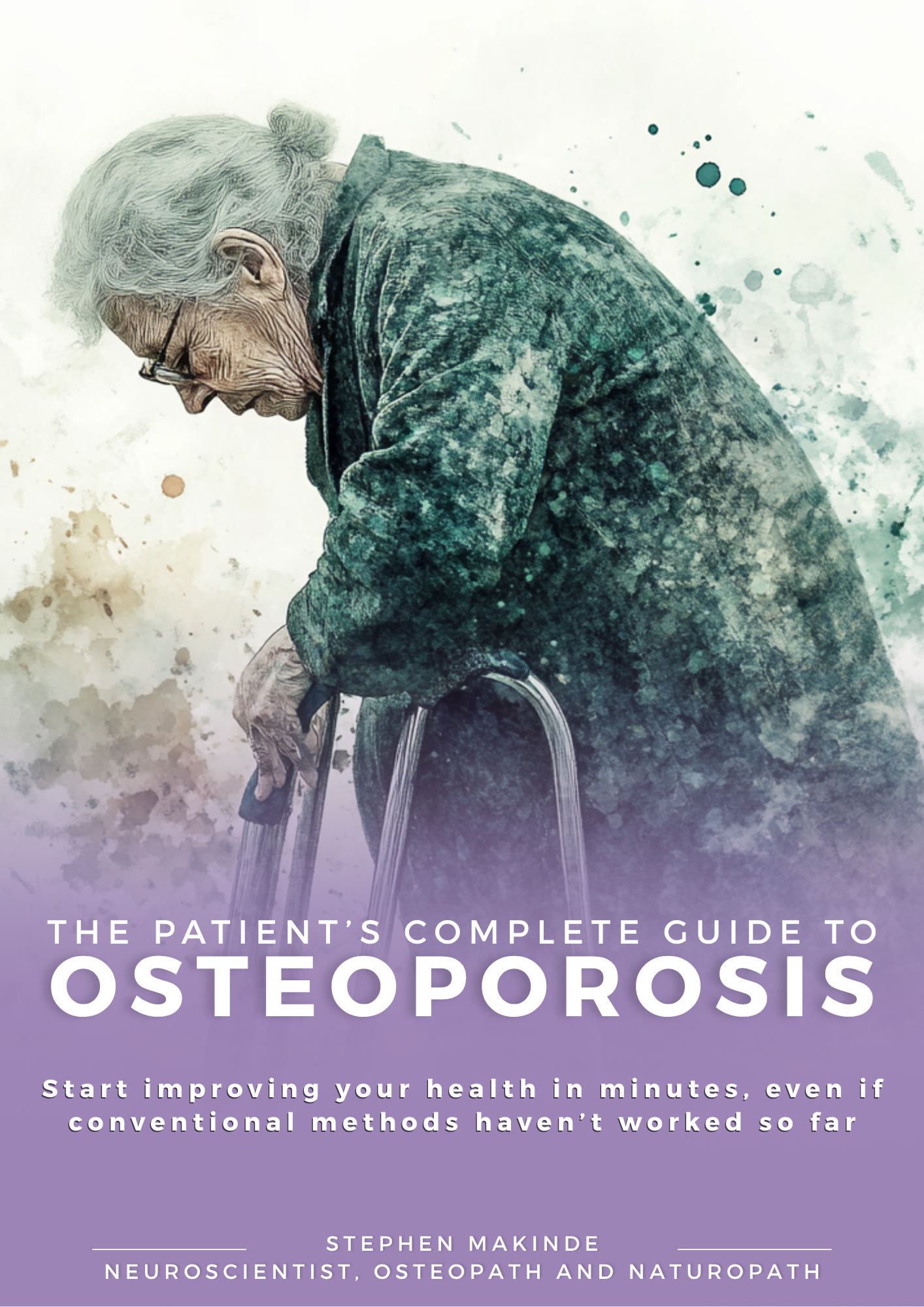



The Patients Guide Walkthrough
Welcome and Overview of the Home Page

When you first arrive at The Patients Guide, the landing page is designed to clearly explain why the platform exists and how it helps you.
At the top of the page, you will see a welcome video message and an introduction to our mission. The platform exists to provide clear, structured, evidence-informed health education, written in a way that patients and families can actually understand.
From the landing page, you can:
- Understand the purpose of the service
- See the range of available patient guides
- Learn how the guides are structured
- Navigate to individual guides or explore topics of interest
The homepage acts as your starting point, giving you a broad overvie
Viewing Individual Patient Guides

Each patient guide has its own dedicated page.
This page allows you to review the guide in detail before buying.
On an individual guide page, you will typically see:
- A short video or written introduction explaining who the guide is for
- An overview of what the guide covers
- Key topics and sections included
- Information about how the guide is structured
This page helps you decide whether the guide matches your needs, without pressure or obligation to purchase.
Purchasing Your First Patients Guide

Once you decide to purchase a guide, the checkout process is designed to be quick and straightforward.
During checkout:
- Any applicable discount codes can be entered
- You can check out securely using standard payment methods
- You can purchase with or without creating an account
Once payment is complete, your guide is unlocked automatically.
You do not need an account at the time of purchase to complete checkout.
After Your Purchase

After your purchase is complete, you will receive an order confirmation email.
This email includes:
- Confirmation that your payment was successful
- A direct link to your purchased guide
- A link to create your account
You may access your guide by:
- Using the link provided in your confirmation email, or
- Visiting the guide page directly
If you are not logged in, access to the guide content will be restricted.
You will be prompted to log in or create an account before the guide can be viewed.
Creating Your Account

Creating an account allows you to:
- Secure access to all purchased guides
- View your content in the My Guides section
- Return to your guides easily on any device
To create your account:
- Use the account creation link in your confirmation email, or
- Follow the prompt on the gated guide page
Set a password to complete your account setup.
Once completed, your guide is permanently linked to your account.
If you do not create an account straight away, you can return later using the same email link or the guide page and complete the process at any time.
My Guides Section

After purchasing a guide, it appears in your My Guides section.
This section acts as your personal library, where you can:
- See all guides you have purchased
- Open and continue reading any guide
- Return to a guide at any time without re-purchasing
This ensures your guides remain accessible whenever you need them.
Reaccessing Your Guide

Once your account has been created and you are logged in, you can return to your guides at any time.
Your purchased guides can be accessed from multiple locations across the site.
On Desktop
When using a desktop or laptop:
- The My Guides link appears in the top-right navigation menu, near the Contact link
- A My Guides access point is also available on the homepage
Both options take you directly to your personal guide library.
On Mobile
When using a mobile device:
- My Guides can be accessed from the main drop-down menu
- You can also tap the book icon near the cart icon at the top of the screen
Both routes lead to the same My Guides area, where all purchased guides are stored.
Reading Your Guide

Each guide follows a clear and consistent structure to make reading easy.
Short Introduction
The guide begins with a short introduction that explains:
- What the condition or topic is
- Who the guide is designed for
- How to use the guide effectively
This sets expectations before you move into the main content.
Contents Page

The contents page allows you to:
- See the full structure of the guide
- Jump directly to specific sections
- Return to sections easily as needed
This is especially useful if you want to revisit a topic later.
Section Heading Video Introduction

Many sections begin with a short video introduction.
These videos:
- Explain the purpose of the section
- Provide context before reading
- Help visual and auditory learners
The written content then expands on what is introduced in the video.
Supplement Guidance and Evidence Base

Where supplements are discussed, they are presented within an educational and evidence-informed framework.
This section explains:
- Why certain supplements are discussed
- The rationale behind their use
- How evidence is interpreted
The aim is to inform, not persuade.
Direct Links and Review of Supplementation

Where appropriate, the guide may include:
- Direct links to relevant products
- Clear explanations of why they are included
- Balanced discussion of benefits and limitations
This allows readers to make informed decisions, not impulse purchases.
Nutrition and Evidence-Based Review

Nutrition sections focus on:
- Evidence-based dietary considerations
- Practical guidance rather than trends
- How nutrition fits into broader recovery or management
Information is presented clearly, without assuming prior knowledge.
Final Notes on Using The Patients Guide
The platform is designed to:
- Support learning at your own pace
- Allow easy return to information
- Reduce confusion around complex health topics
You are encouraged to use guides as reference tools, revisiting sections as your understanding grows.
Summary
From the landing page to reading and revisiting your guide, The Patients Guide is built to feel calm, structured, and easy to navigate.
Every step is designed to help you:
- Understand
- Decide
- Learn
- Return when needed